help article

How do I log out of my account?

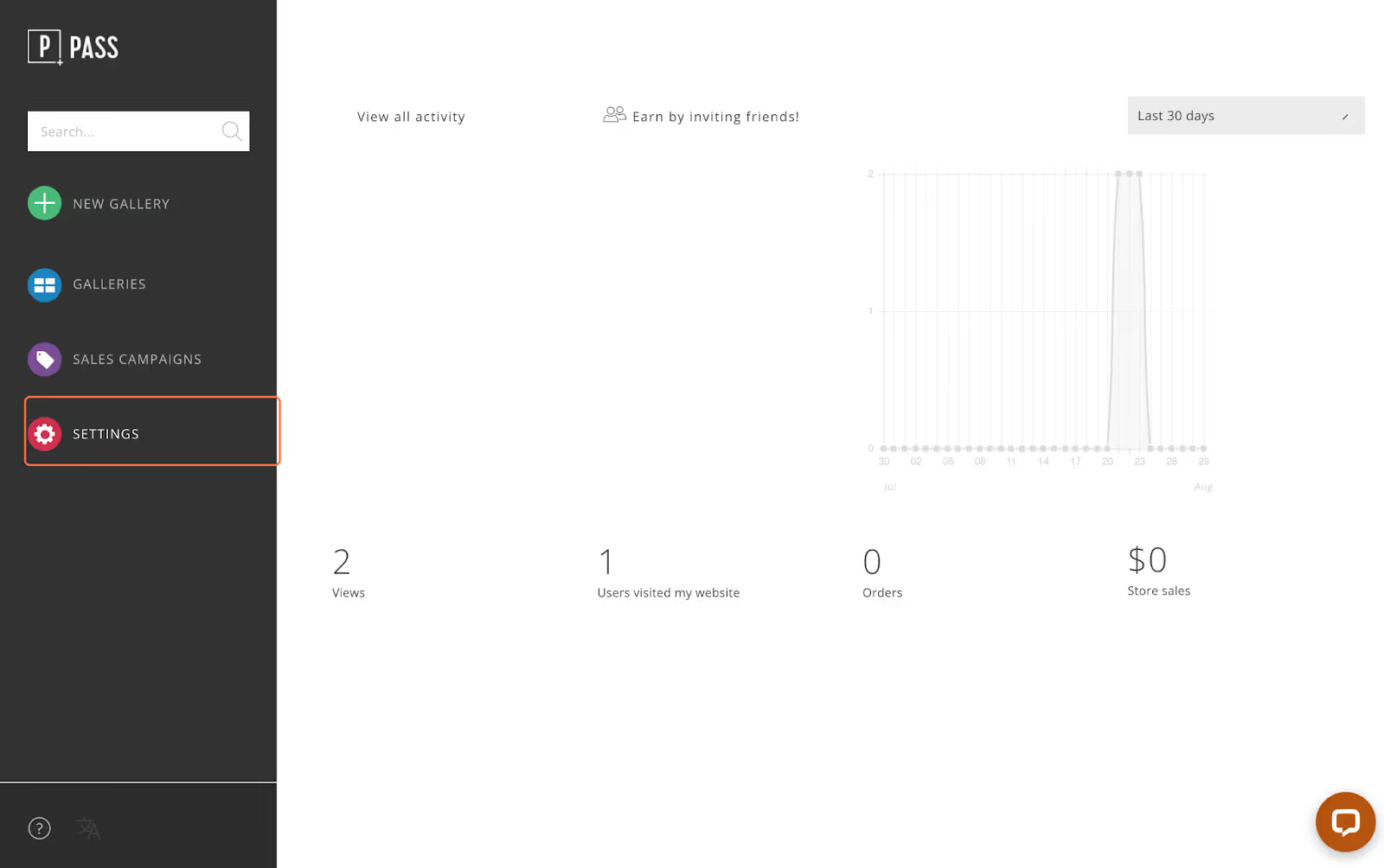
To log out of your photographer account in Pass, go to Settings from the Main Dashboard.

‍

‍

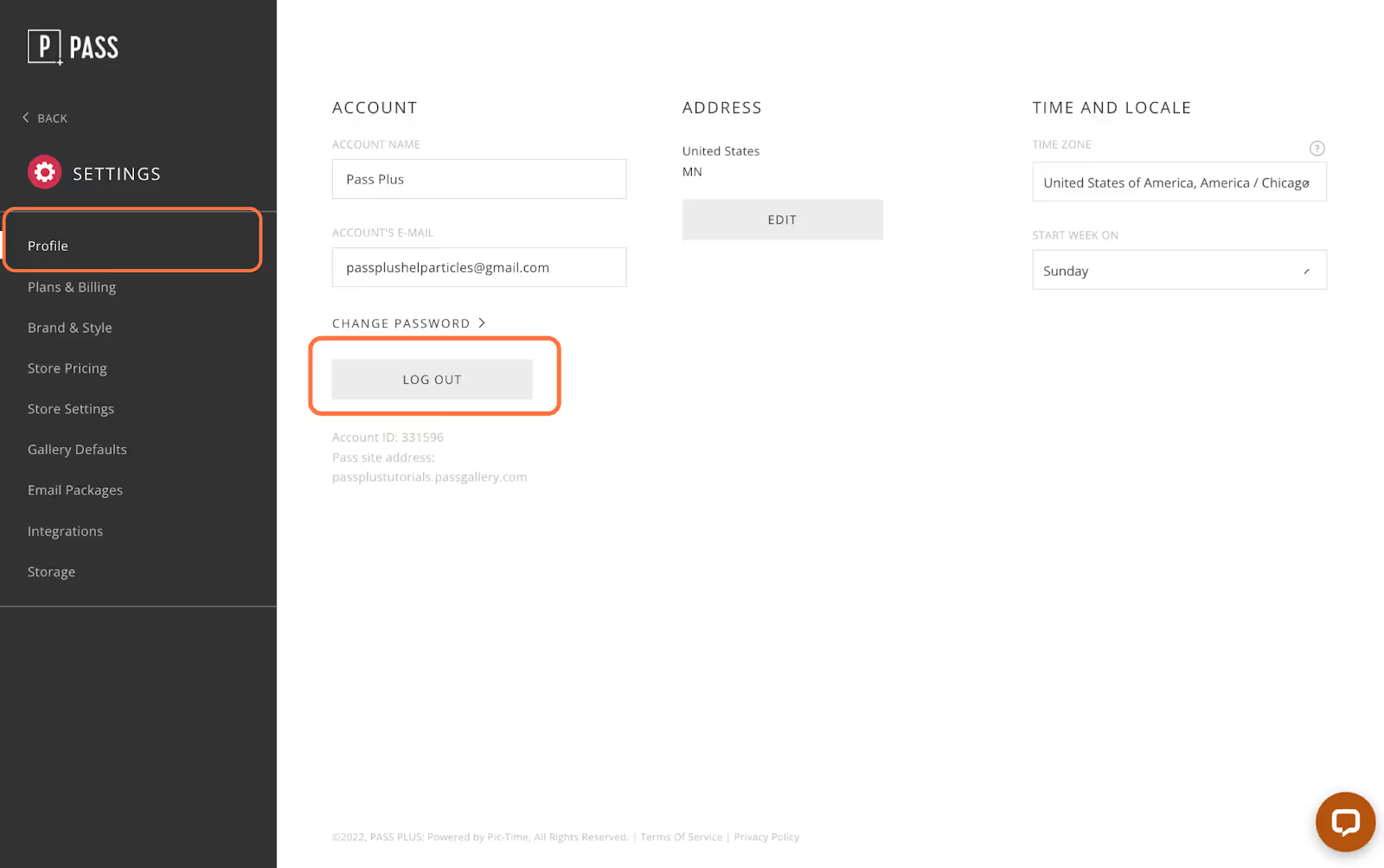
In the Profile tab, click the Log Out button.

‍

‍


You will then be logged out of your account. You can always log back in at Passgallery.com

‍

Galleries
How do I manage download permissions?
Read
Galleries
How do I schedule when emails are sent?
Read
Galleries
How does a client select photos via client selection tool? (Desktop)
Read
Galleries
How do I add more than one Main Client?
Read