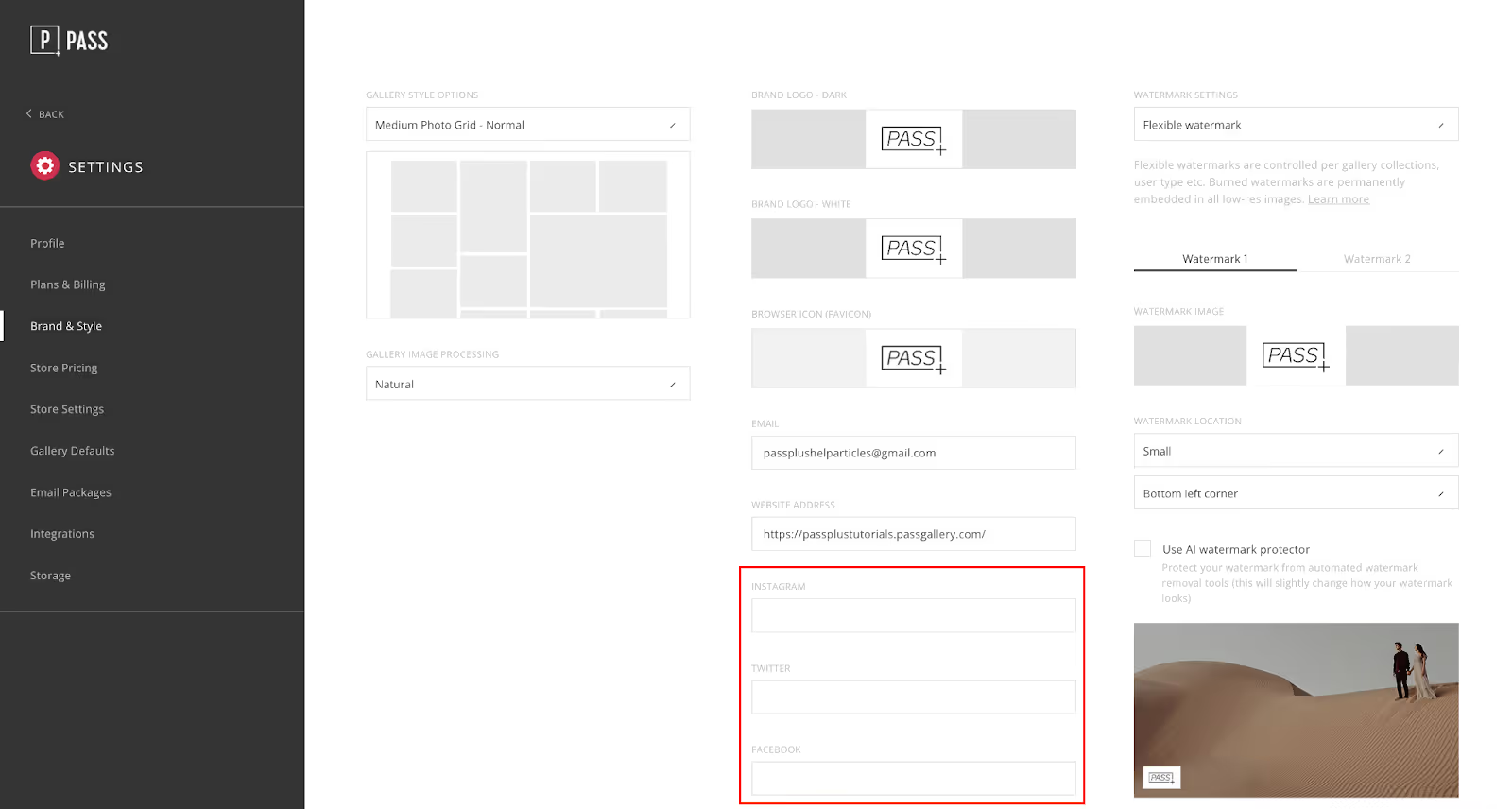
In the account settings, a photographer is able to customize their brand. Features such as watermark, logo, social channels, custom domain & print release can be adjusted in the brand section of the settings.
Adjusting Branding
The settings in the Brand & Style tab will allow you to change the logo, social channels, custom domain, print release and watermark for each brand.
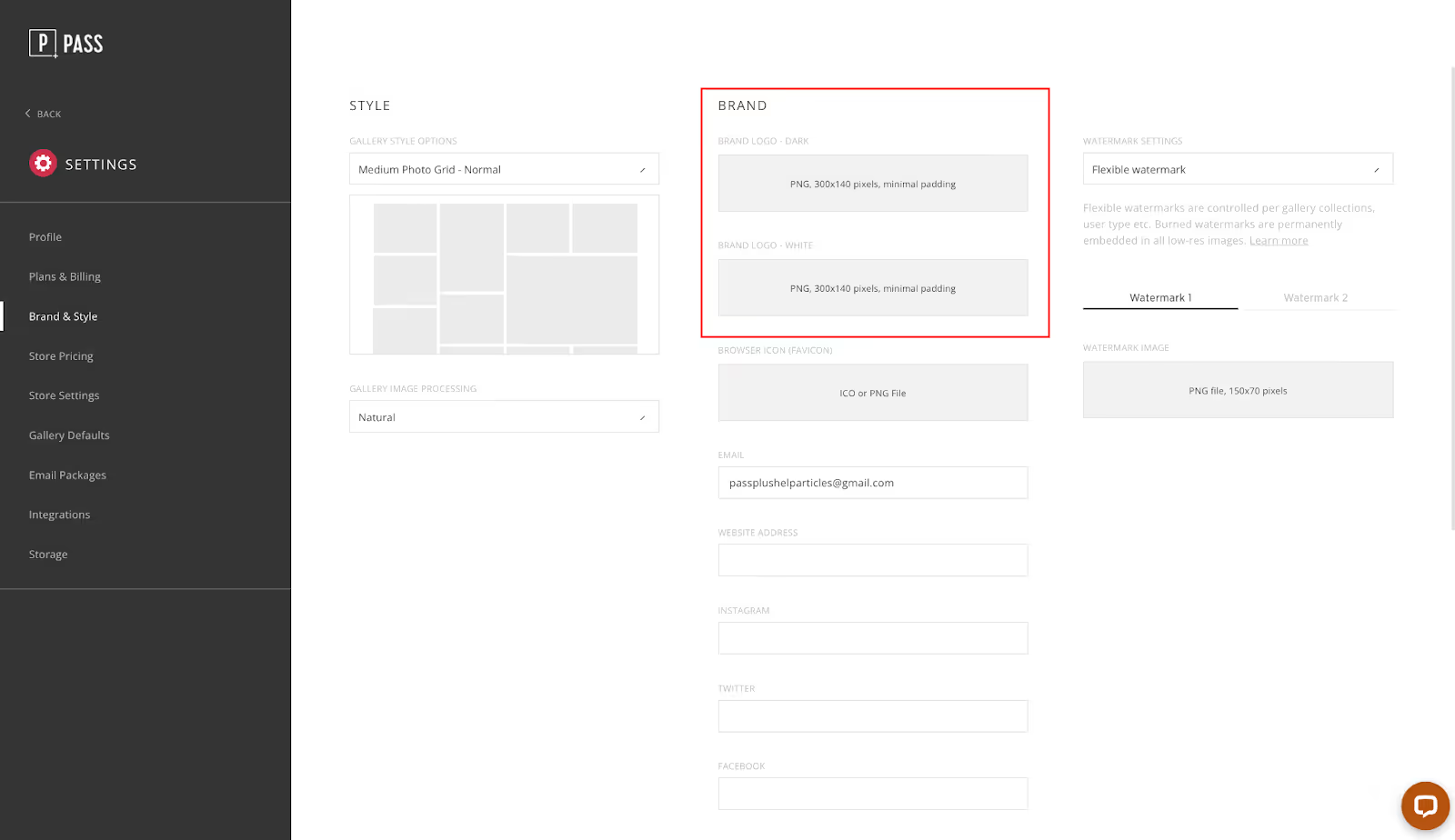
Logo
You can upload a dark and a light logo. The dark logo will be displayed on gallery covers with a light background, the navigation bar in the gallery, on the portfolio page and in the header of all branded emails.
The light logo will be used for gallery covers with a dark background.
The optimal upload size is 600px (long edge), PNG file.
Email, Website, and Social Channels
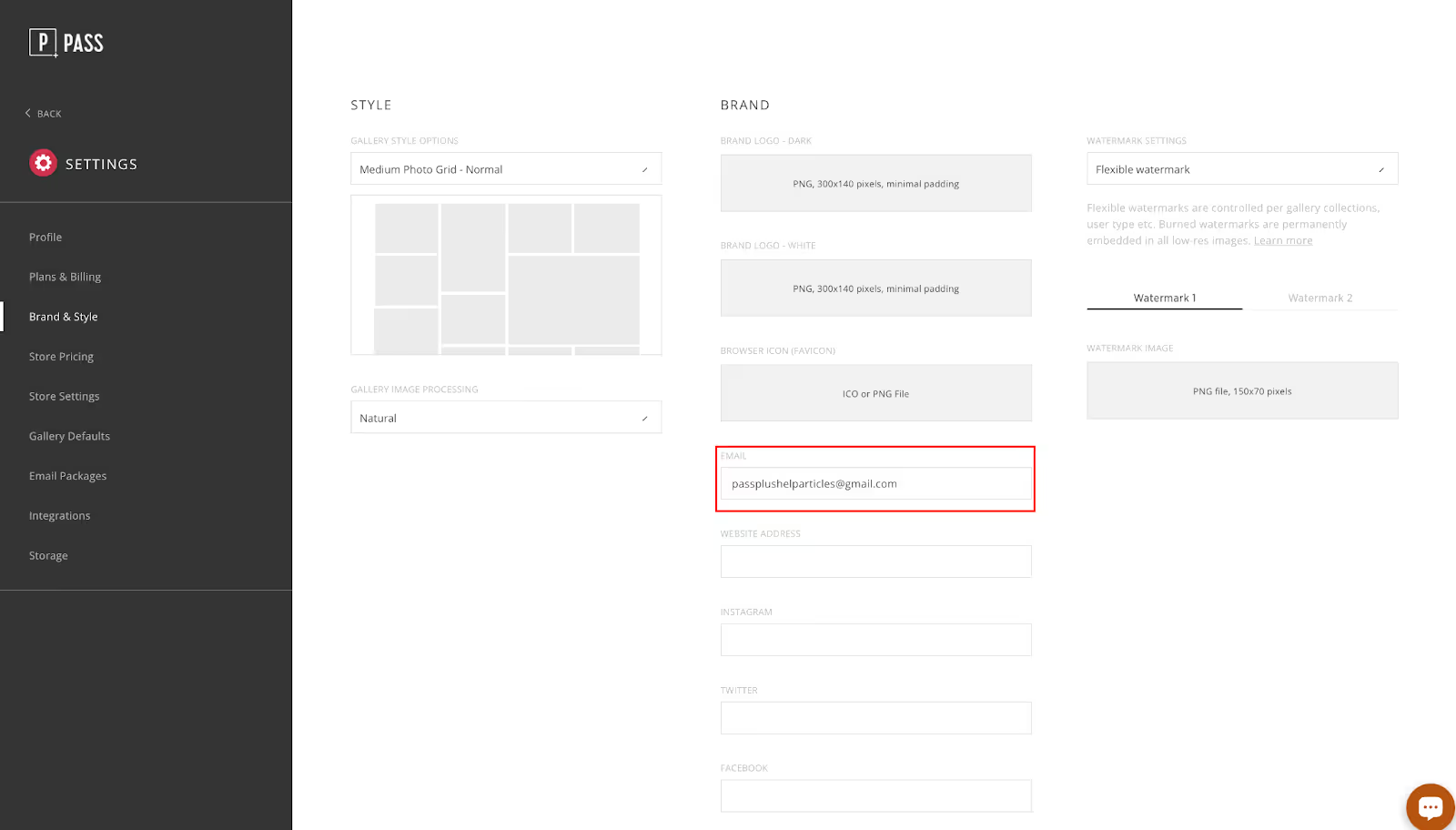
The email is used for outgoing emails. When a client replies back to any emails that are sent through the Pass system, the message is sent to this email address.
The website address is connected in the gallery.
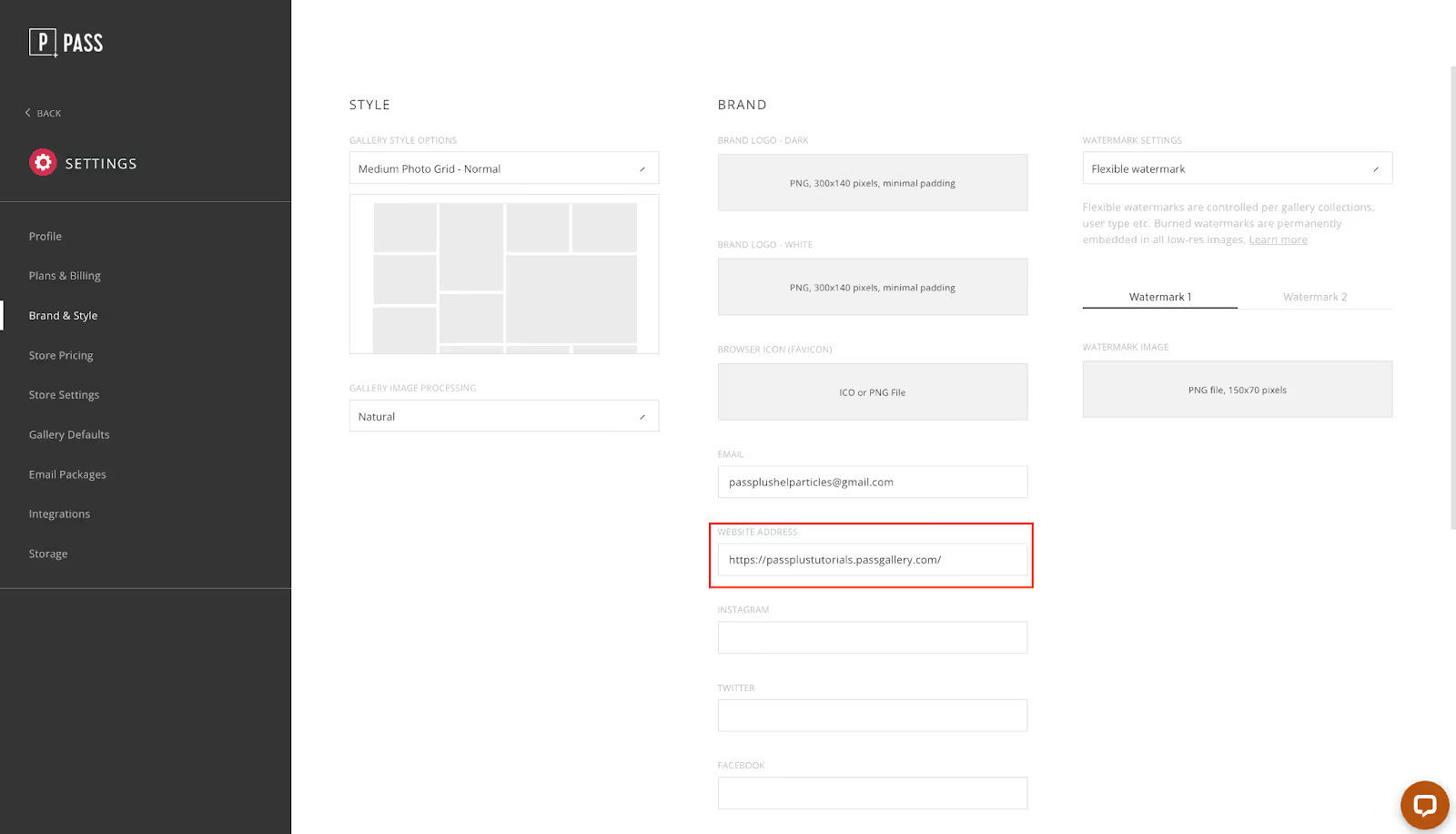
Gallery visitors can access the photographer website by hovering over the photographer logo and selecting Go To Site.
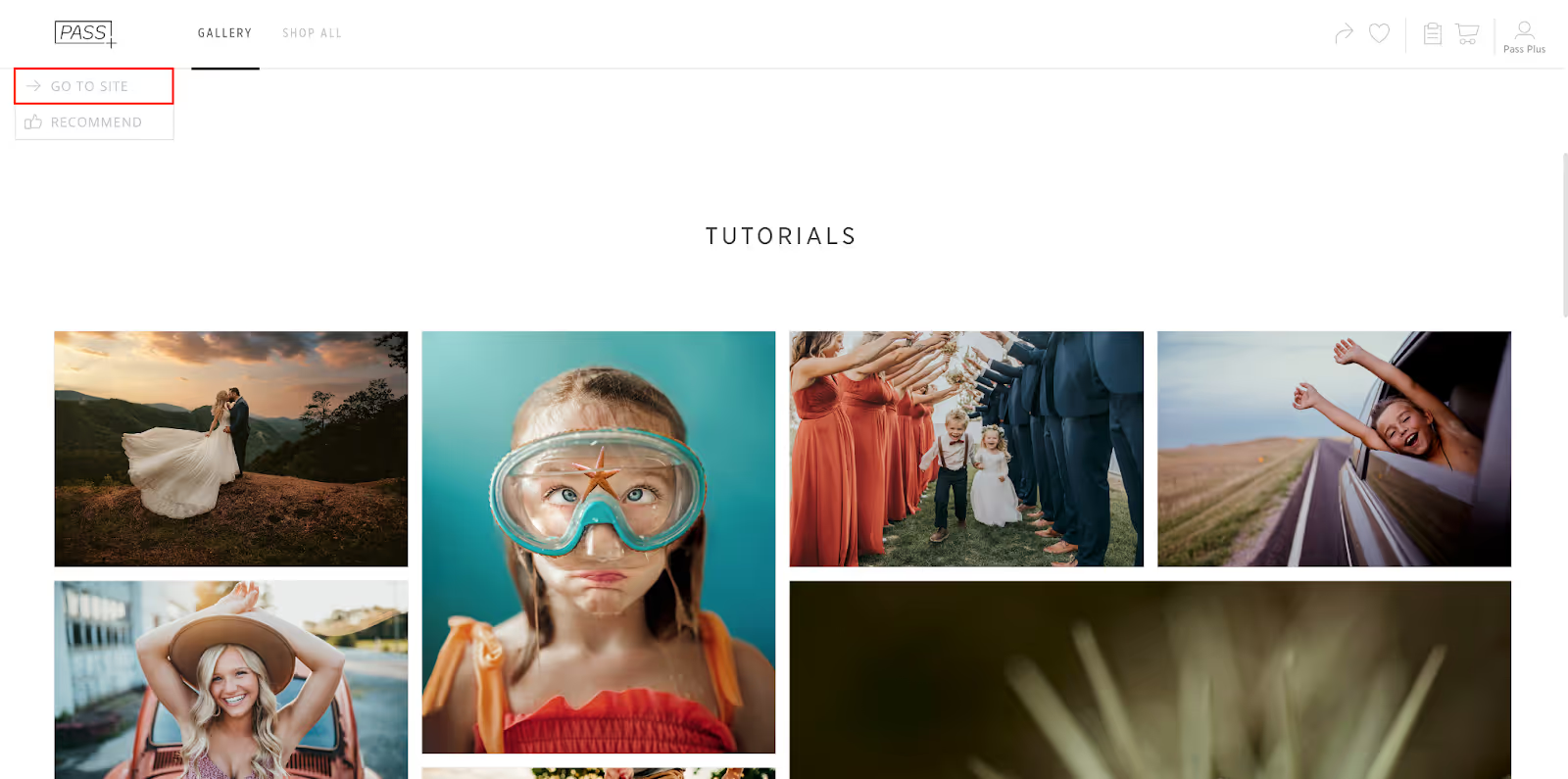
Gallery visitors will also be redirected to the photographer website if they choose to log out of their user account while browsing their Pass gallery.
The social channels are used to provide easy access for the client. These channels are displayed in the gallery, in emails sent to clients and on the portfolio page.