

Adjust your local timezone to correspond with Sales Automation emails and discounts sent out to clients.
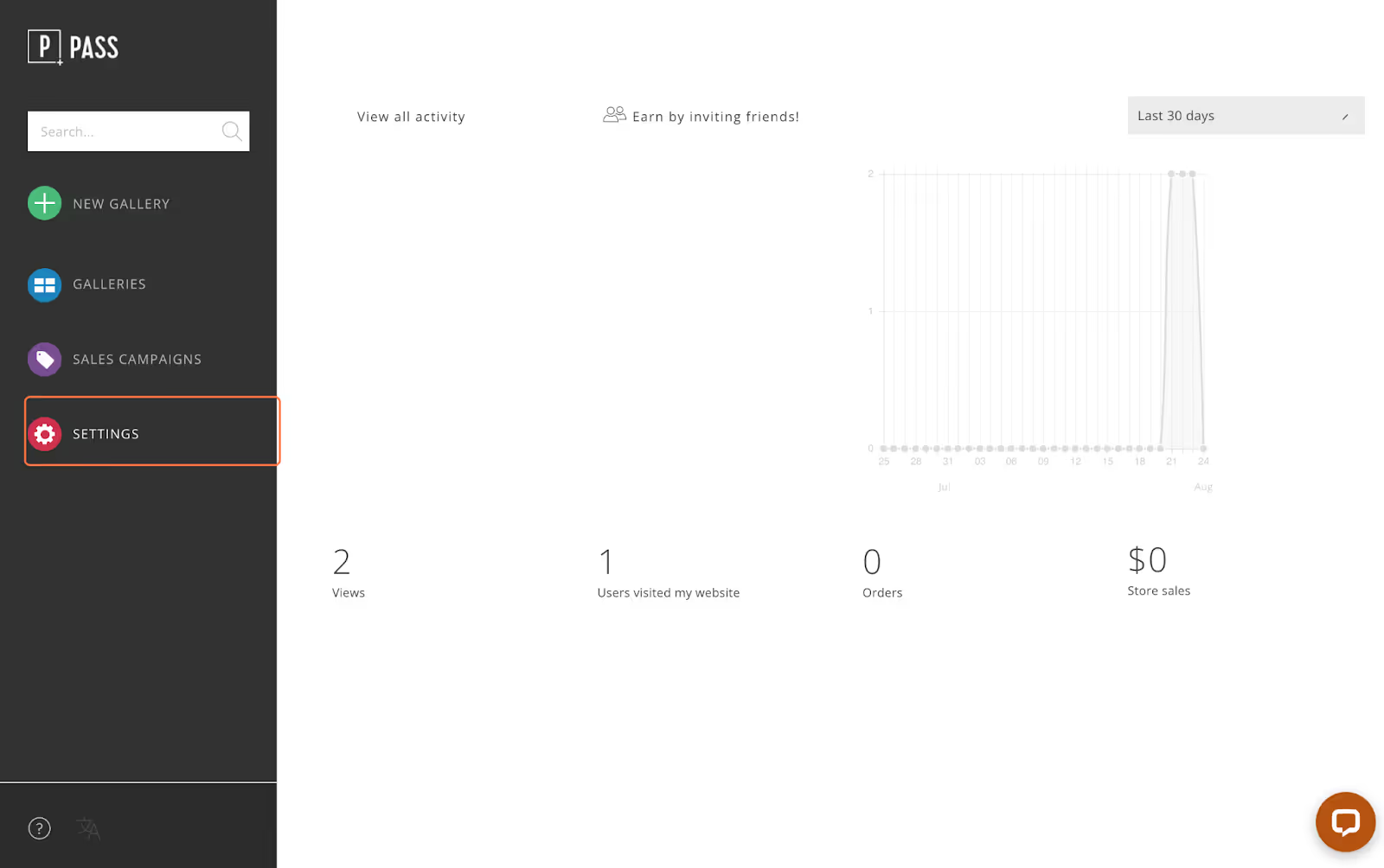
To begin, click Settings from your main photographer dashboard.
In the Profile tab, click the dropdown menu in the right hand corner to select your time zone.
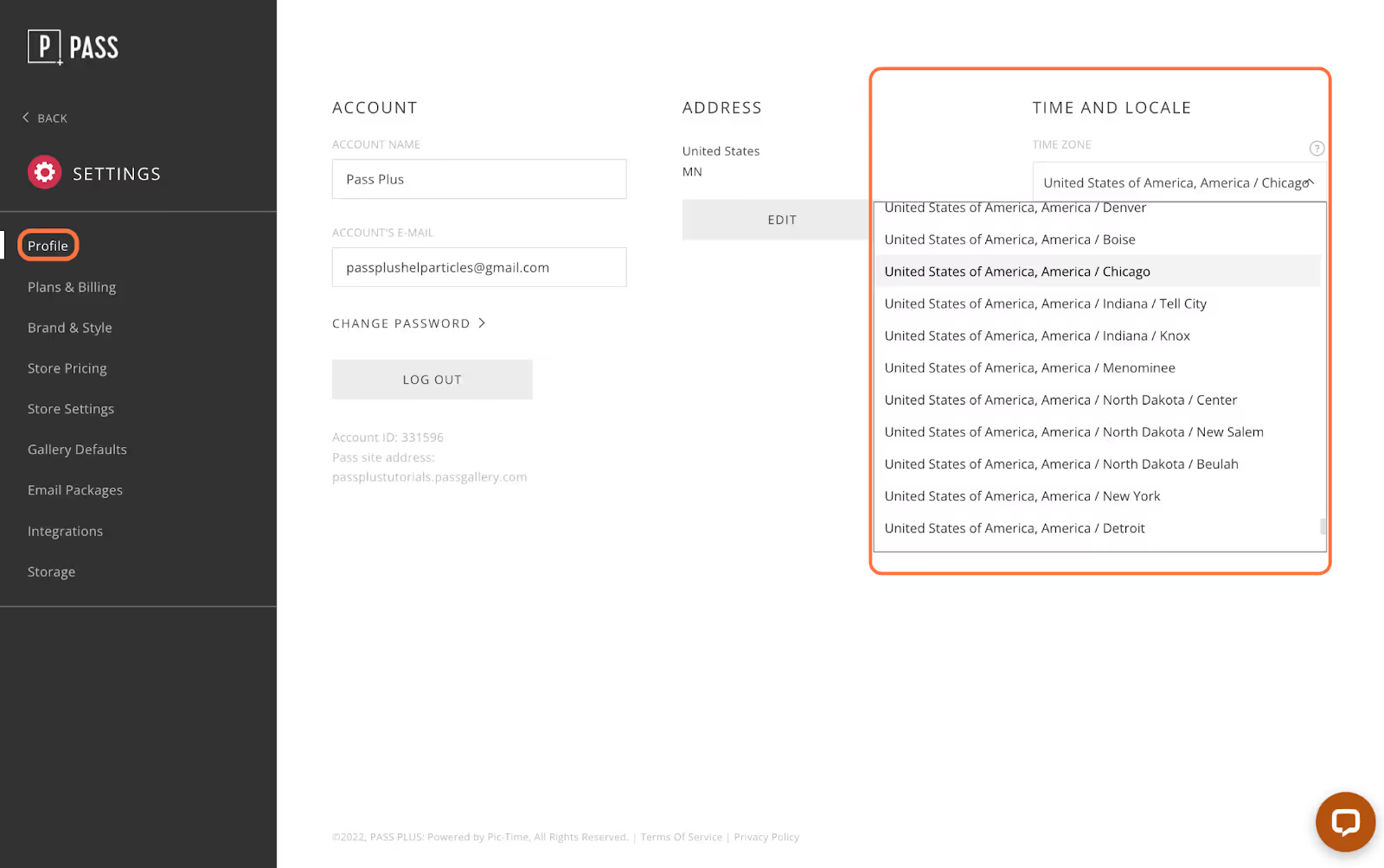
Your local timezone will determine when sales automation campaigns are sent to clients.


